
iPhone & iPad
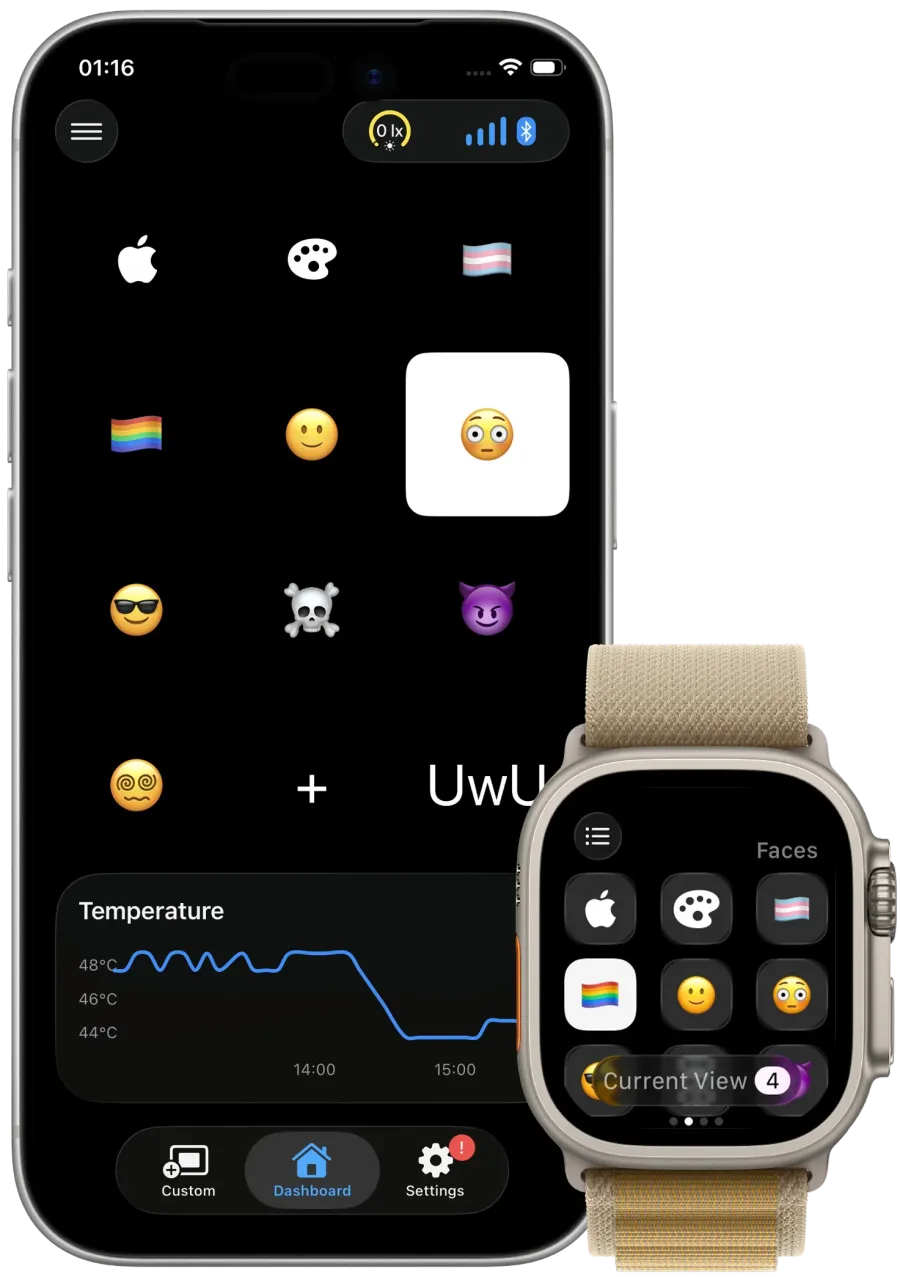
Every face, one tap.
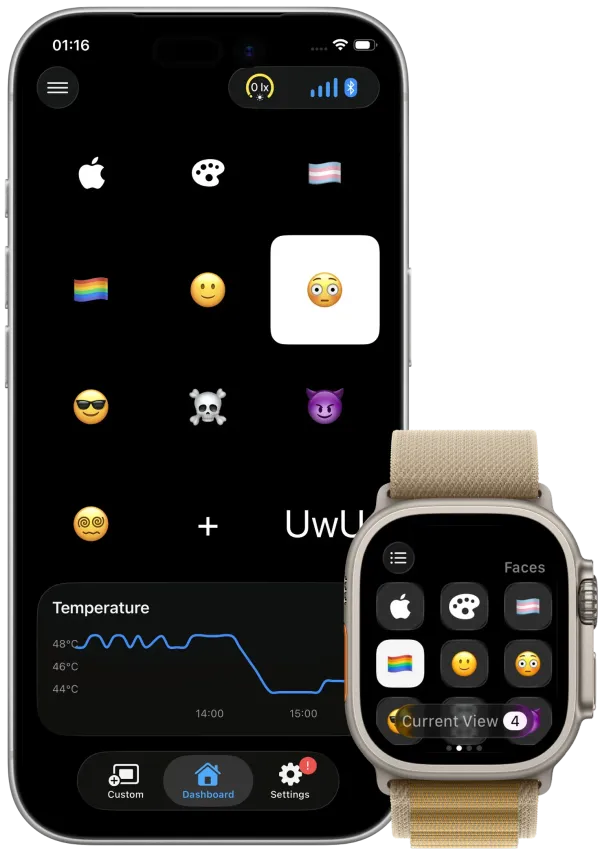
Swipe through expressions and switch faces instantly over Bluetooth LE.
LumiFur app iPhone Apple Watch Mac
The companion app for LumiFur LED fursuit faces. Switch expressions, send messages and tune effects from your phone or wrist, then check status at a glance.
One app. Every surface.
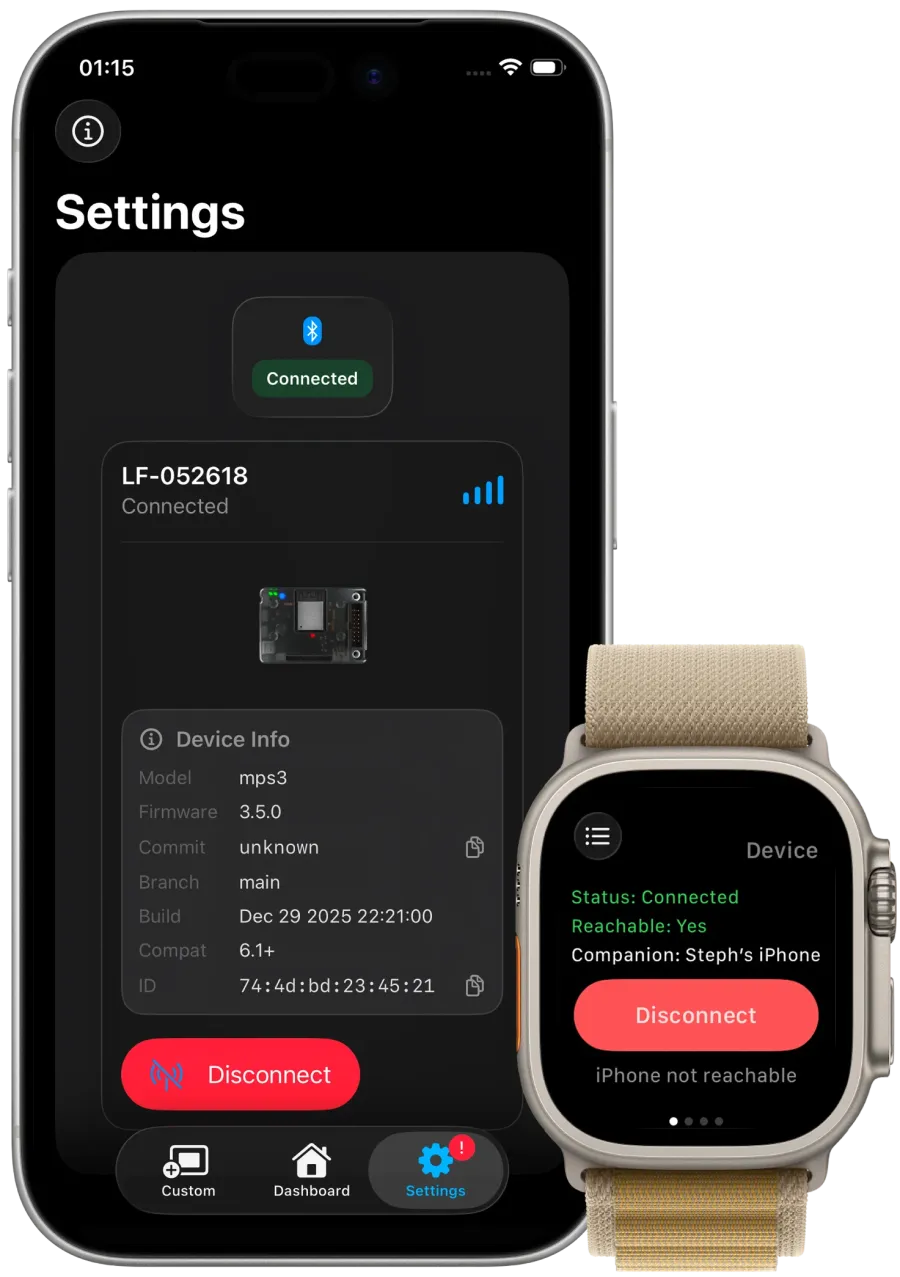
A native SwiftUI app built for fittings, setup and live performance, with large, direct controls for quick changes.
iPhone & iPad
Swipe through expressions and switch faces instantly over Bluetooth LE.
Apple Watch
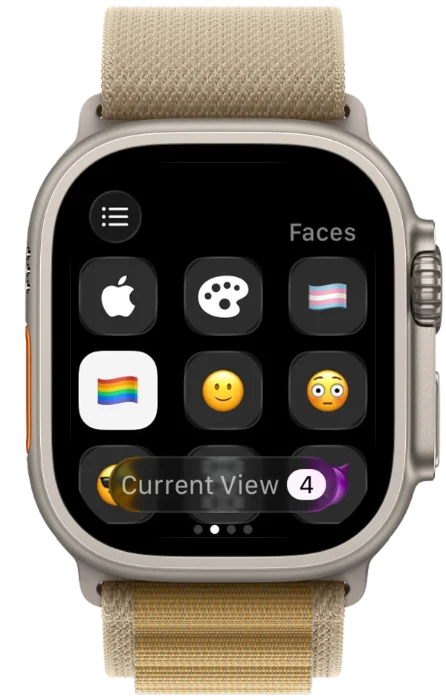
Expressions and status on Apple Watch, for quick changes without breaking your movement.
Widgets & Live Activity
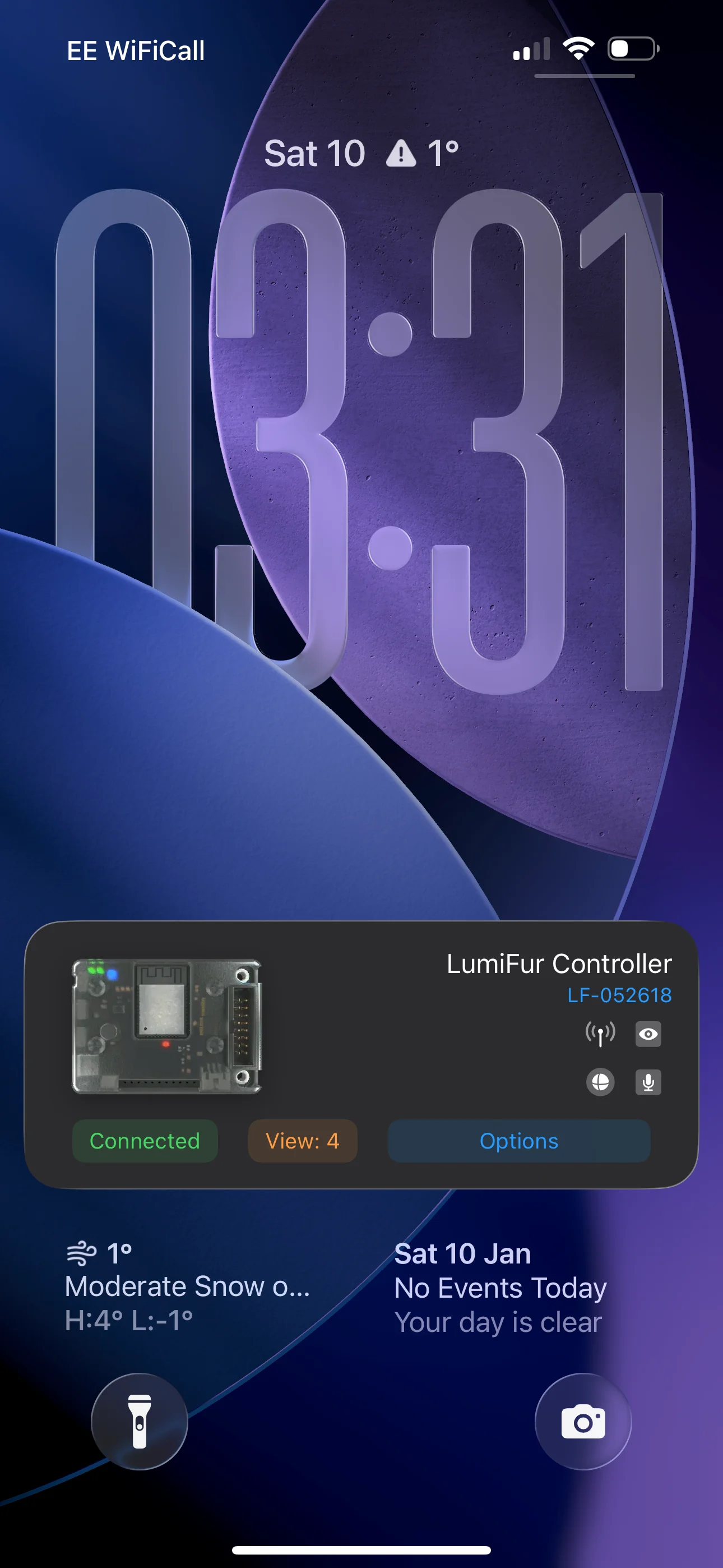
Connection, current view and controller state on your Lock Screen and in the Dynamic Island.
Settings
Auto-brightness, accelerometer gestures, sleep mode and aurora overlays in one place, with device info and signal strength.
Messages
Send scrolling text to your face and tune the speed on demand.
Presets
Build, save and remix lighting presets for a suit or a performance.
Updates
Release notes and OTA update entry points sit beside your everyday controls.
How it connects
The app talks to the LumiFur controller over Bluetooth LE, which drives the LED panels behind your mask. No network needed.
01
Pick a face, send a message or change a setting on your iPhone, iPad, Apple Watch or Mac.
Explore the app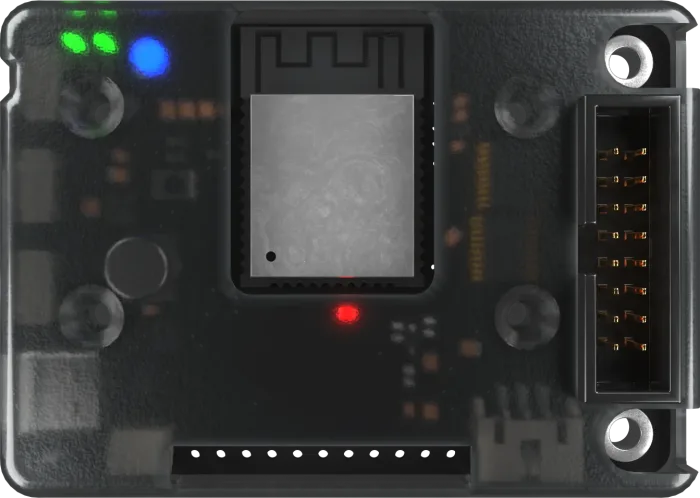
02
Commands travel over Bluetooth LE to an ESP32-S3 board that renders the animation in real time.
Controller details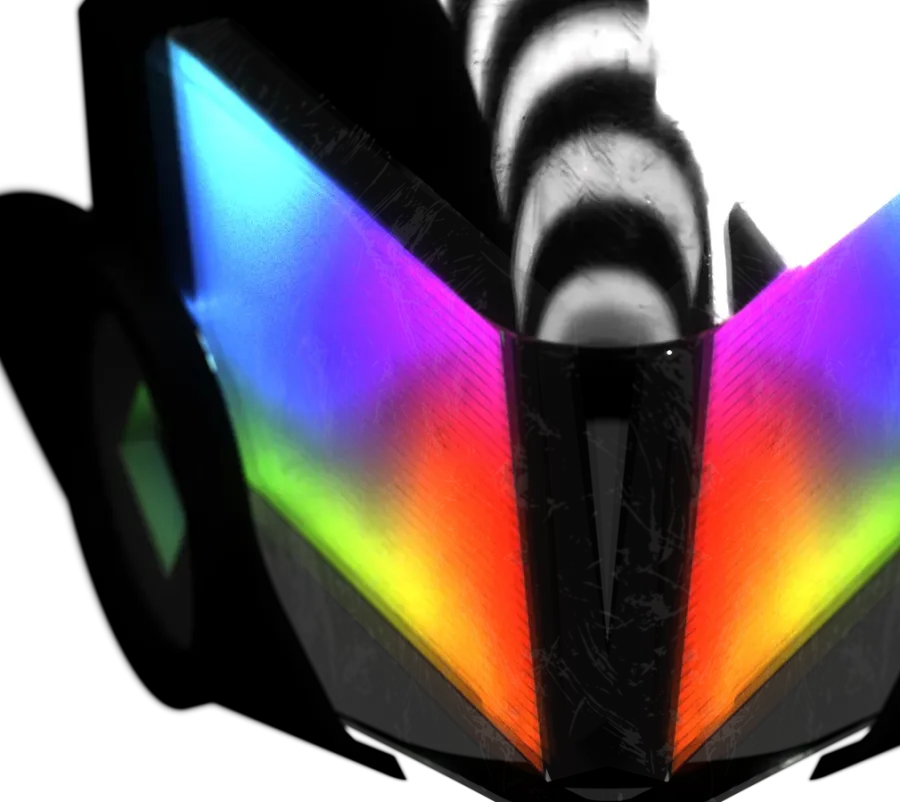
03
Dual 64×32 LED panels behind your mask change expression the moment you tap.
Parts and wiringBeyond the tap
Set the face from the app, and onboard sensors take it from there, turning movement, sound and proximity into expression.
Shake gestures, PixelDust physics and wake-on-motion.
LIS3DH accelerometer
Audio-reactive mouth animation and sound-driven effects.
I2S MEMS microphone
Proximity-triggered blush and eye-bounce, with ambient brightness scaling.
APDS9960 sensor
Get the app
LumiFur is developed in public under the BSD 3-Clause licence. Build it from the published source in Xcode and install it on your own devices.
Latest release 14.0.0
Need the hardware?
The app needs a compatible LumiFur controller. Get help sourcing a kit, or take the hands-on route with the parts guide.
01 / Guided start
Get help with the hardware direction and sourcing for your display layout and build.
02 / Builder route
Choose your components and handle assembly with the parts list and integration guidance.
Open by design
The companion app and controller firmware are developed openly on GitHub, with release history, issues and source you can inspect and extend.