LumiFur companion app
The iOS and watchOS control surface for LumiFur LED wearables. Design, preview, and deploy patterns; switch expressions; manage settings; and keep status visible through widgets and Live Activity.
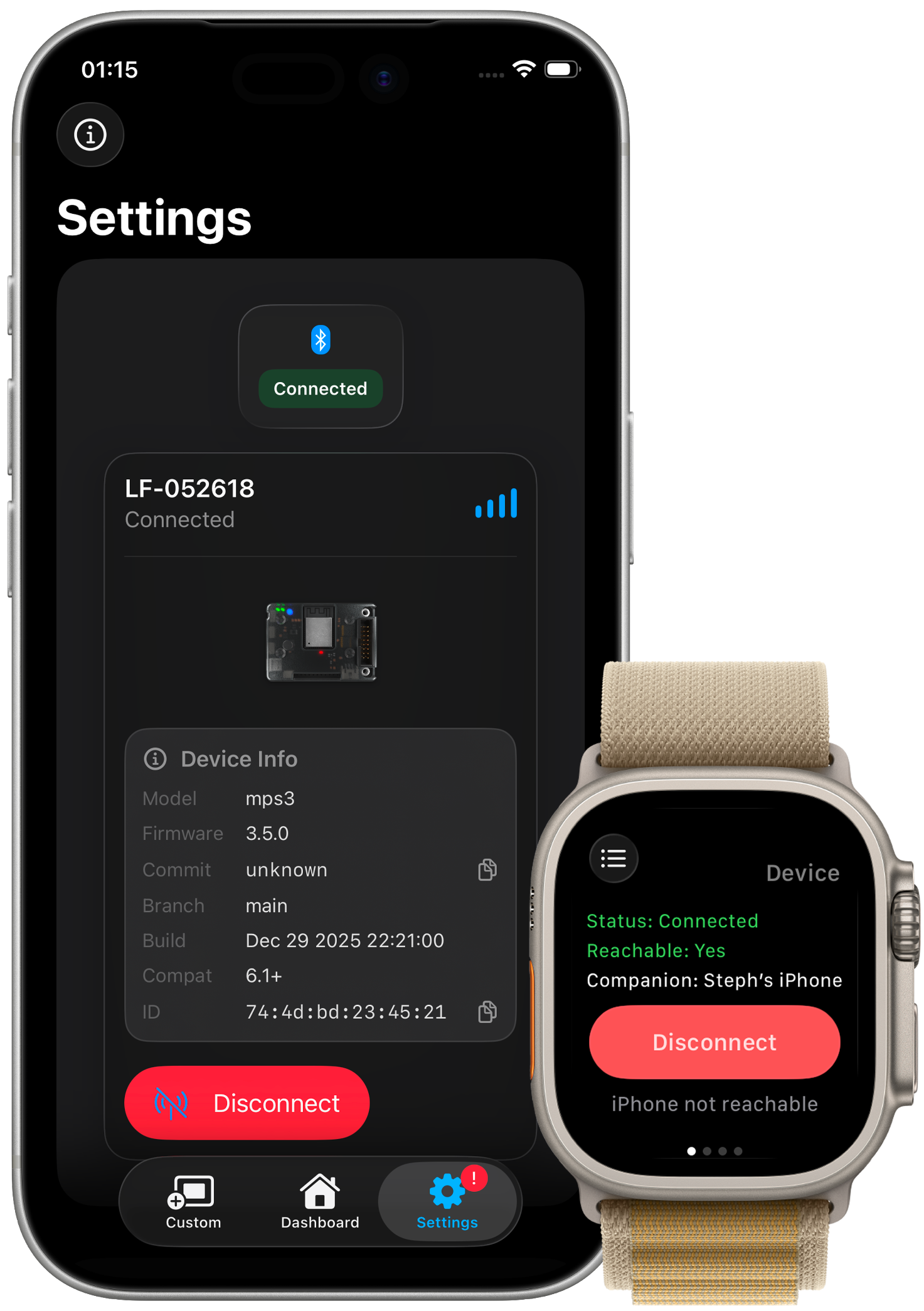
Phone, watch, and status surfaces
How the companion app spans primary control, wrist access, widgets, and maintenance entry points.
iOS
iPhone control flow
Use the phone as the main surface for faces, settings, previews, and live changes during setup or performance.
watchOS
watchOS quick access
Keep essential switches, status, and expression controls on the wrist for quick adjustments without interrupting movement.
Status
Widgets + Live Activity
Check connection state, signal strength, and temperature through widgets and a persistent Live Activity.
Maintenance
Release + update workflow
Controller update entry points and release notes sit beside the controls operators already use.
App capabilities
The core tools available to operators and builders today.
Connectivity
BLE connection management
Connect directly to compatible controllers over BLE, with Wi-Fi control planned for longer-range setups.
Design
Matrix editor + preview
Draw 64x32 or 8x8 patterns with touch-first tools and preview effects before sending them to hardware.
Patterns
Custom lighting patterns
Build, save, and remix sequence presets tailored to a specific suit or performance mode.
Controls
Accessory toggles + modes
Manage auto brightness, accelerometer gestures, sleep mode, and aurora overlays from one settings surface.
Messaging
Custom message + scroll text
Send scrolling text messages and tune scroll speed on demand.
Maintenance
OTA updates + release notes
Launch controller OTA flows and review app or firmware release notes without leaving the companion workflow.
Experience
Wearable-friendly UX
Large, direct controls are shaped for quick changes during fitting, setup, and live use.
App architecture
Connectivity, matrix workflow, maintenance, and source-level details.
Connectivity
Wireless control
Connection paths for direct control and future staged setups.
- Bluetooth control for direct suit connections without a network.
- Wi-Fi control planned for extended range and staging setups.
- Roadmap includes ProtoTracer interoperability.
Visualization
Matrix workflow
Tools for drawing, previewing, and applying LED layouts.
- Supports 64x32 and 8x8 dot matrix layouts.
- Interactive dot matrix editor for drawing expressions.
- Real-time preview before pushing patterns to hardware.
Workflow
Sequencing + maintenance
The operational layer around presets, settings, updates, and source access.
- Create and save custom sequence presets for performances.
- Apply changes live with low-latency updates.
- Settings expose brightness, accelerometer, sleep, and aurora behavior.
- In-app release notes and OTA entry points support firmware maintenance.
- Native SwiftUI app targeting iOS 14.0+ devices.
- Open-source under the BSD 3-Clause license.
Latest app release
Current iOS build and recent change notes.
Changelog highlights
- BLE stack refactor for connection stability.
- Optimized SwiftUI view redraw performance.
App screens
Status, faces, and settings views tuned for fast changes.
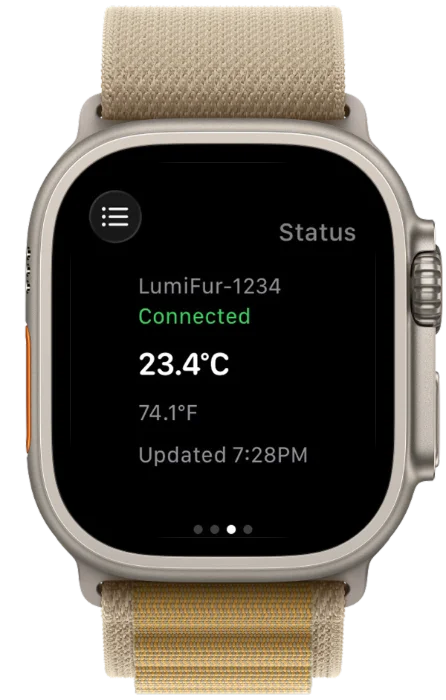
Status view
Connection state, signal strength, temperature, and brightness in one glance.
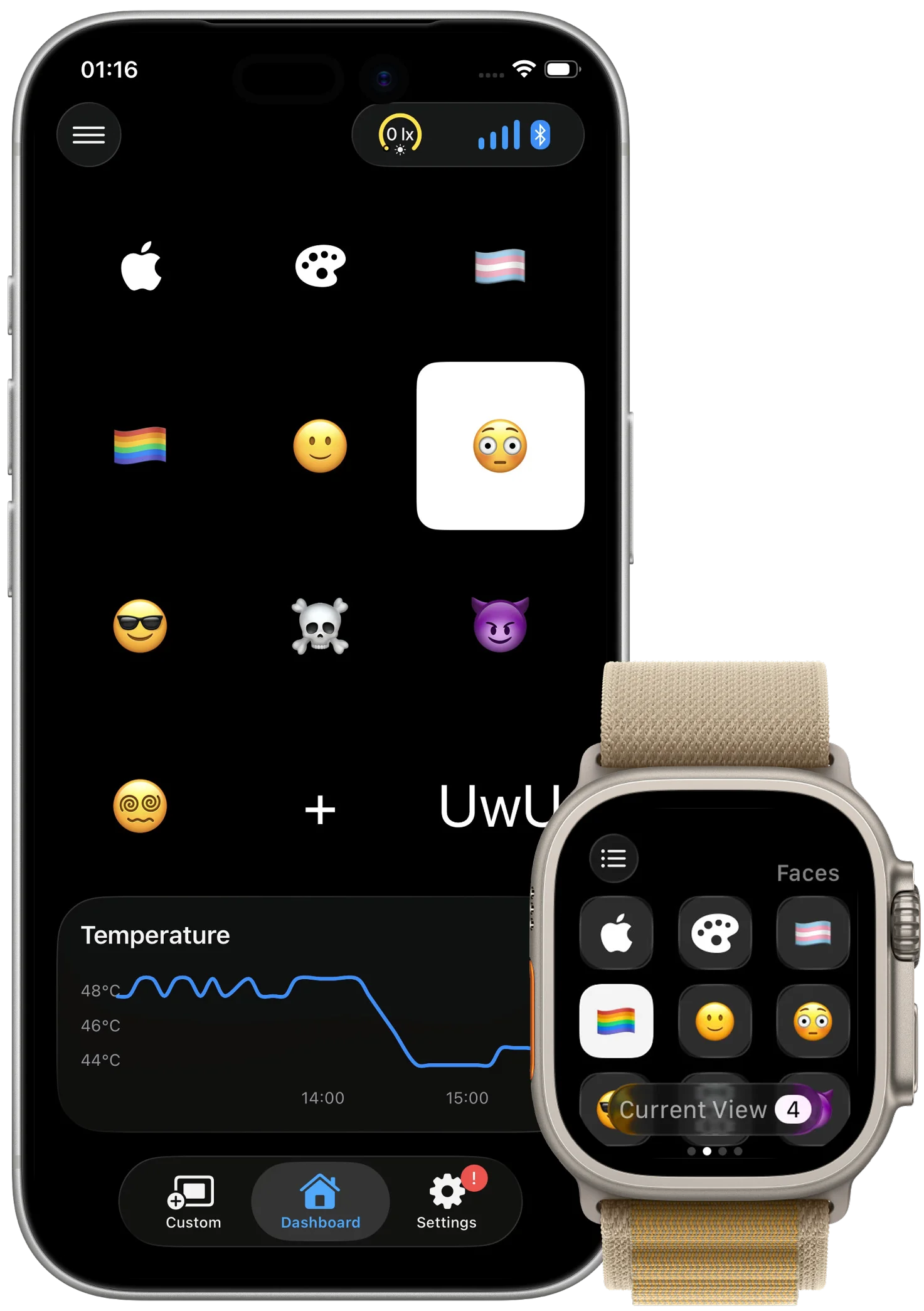
Faces view
Swipe through expressions and queue presets without breaking focus.
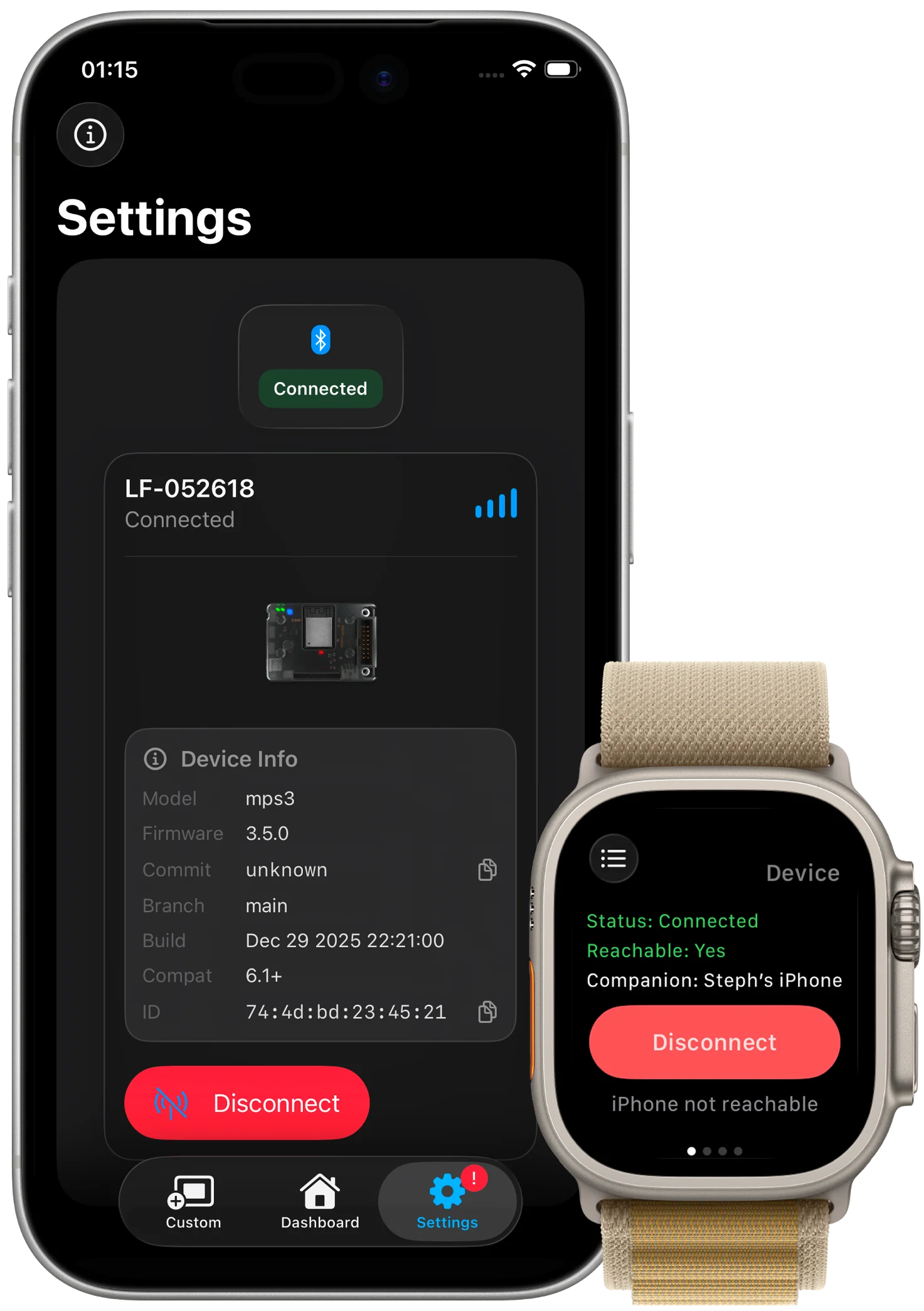
Settings view
Tune auto-brightness, accelerometer behavior, sleep mode, aurora overlays, and OTA options.
Widgets + Live Activity
Status surfaces for quick checks on iPhone without opening the main app.
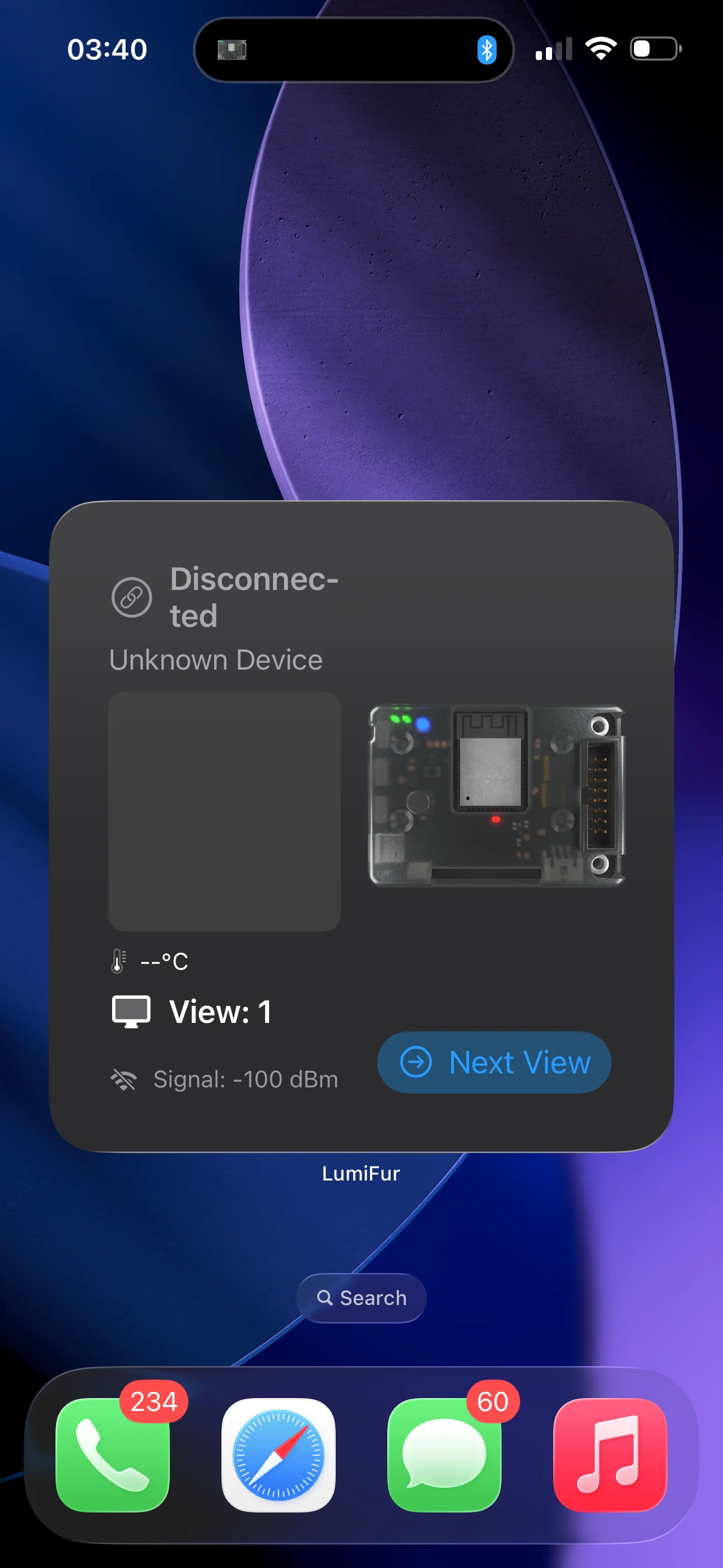
Large status widget
At-a-glance connection, temperature, and signal strength.
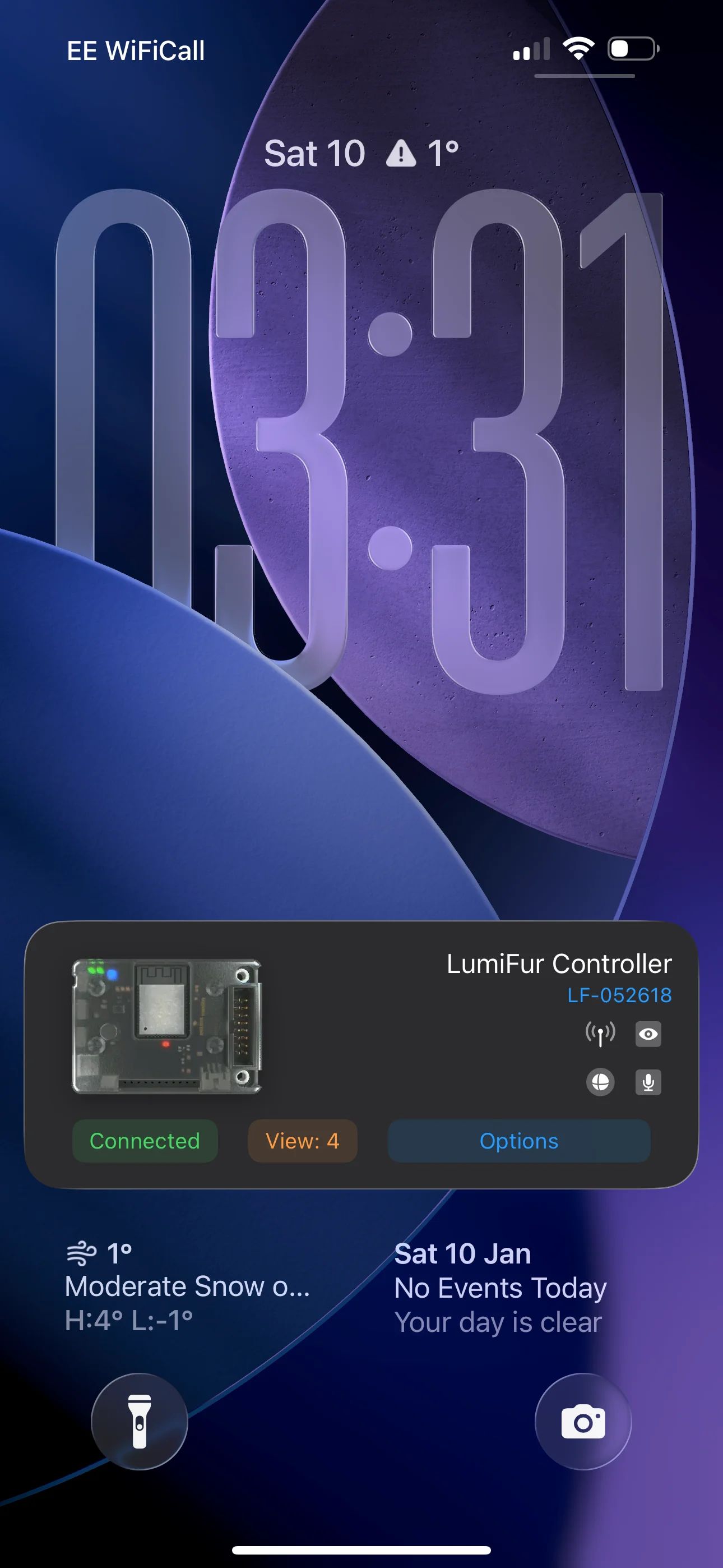
Lock Screen widget
Quick status checks on the Lock Screen during events.
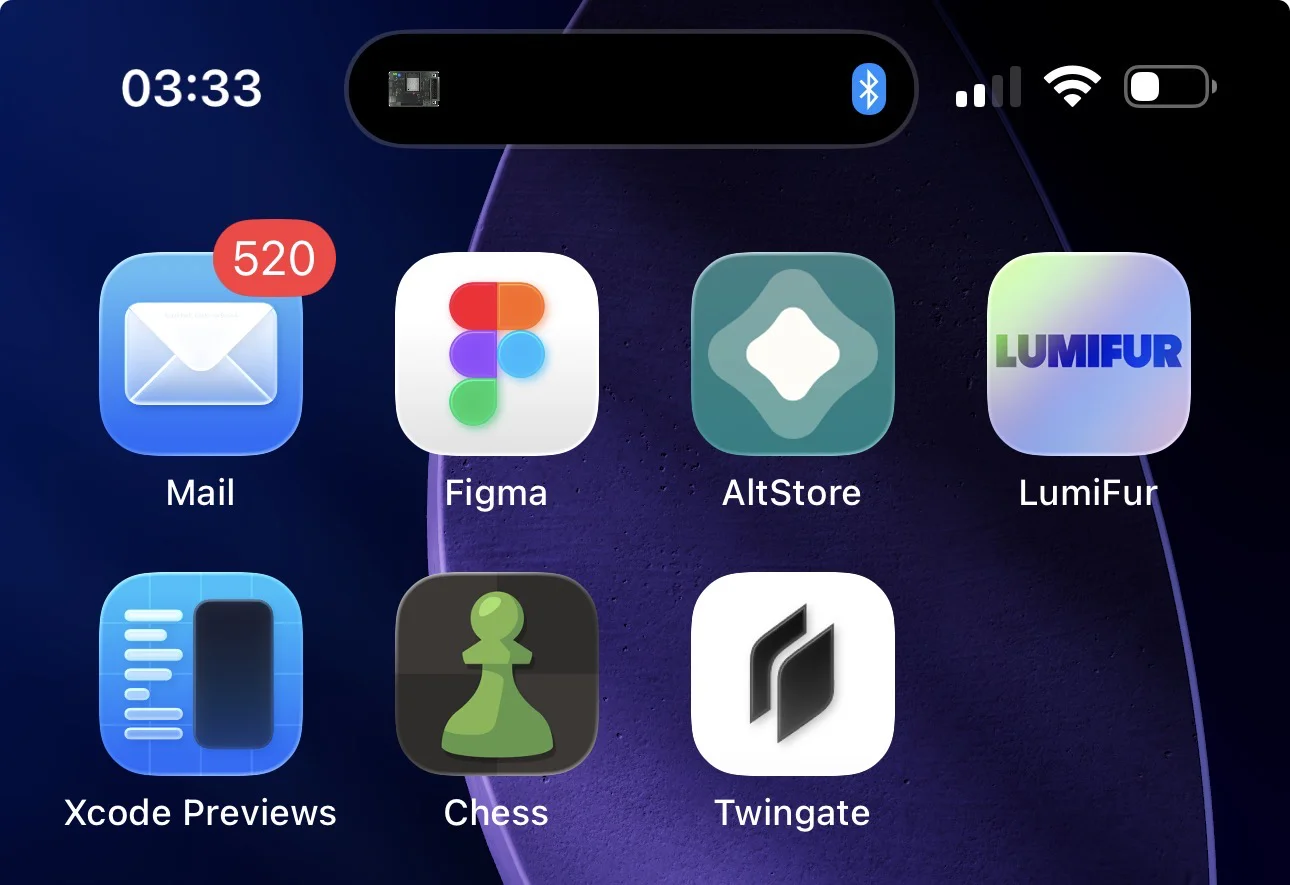
Live Activity
Persistent status card that updates while connected.
Build from source
Development setup for early adopters and contributors.
- 1iOS 14.0+ device and Xcode 14+ required for local builds.
- 2Clone the LumiFur repository and open the project in Xcode.
- 3Pair with a compatible LED controller to test BLE control; Wi-Fi support is planned.
watchOS + macOS
Companion surfaces for quick changes, widgets, and planned bench workflows.
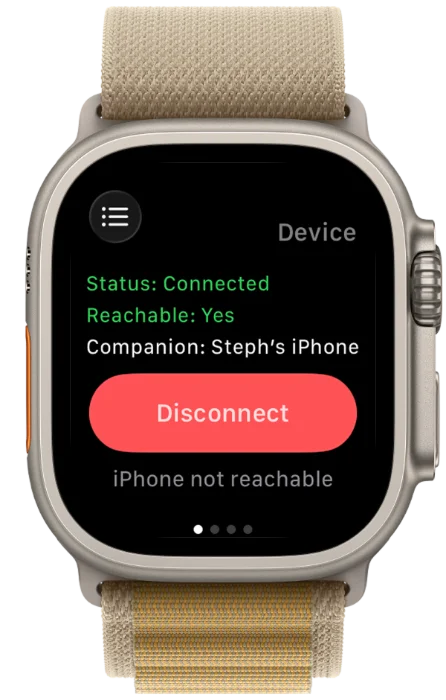
watchOS keeps expression switches and essential settings on your wrist, while widgets and Live Activity surface connection, temperature, and mode status. macOS tooling is planned for bench setup, testing, and bulk updates.